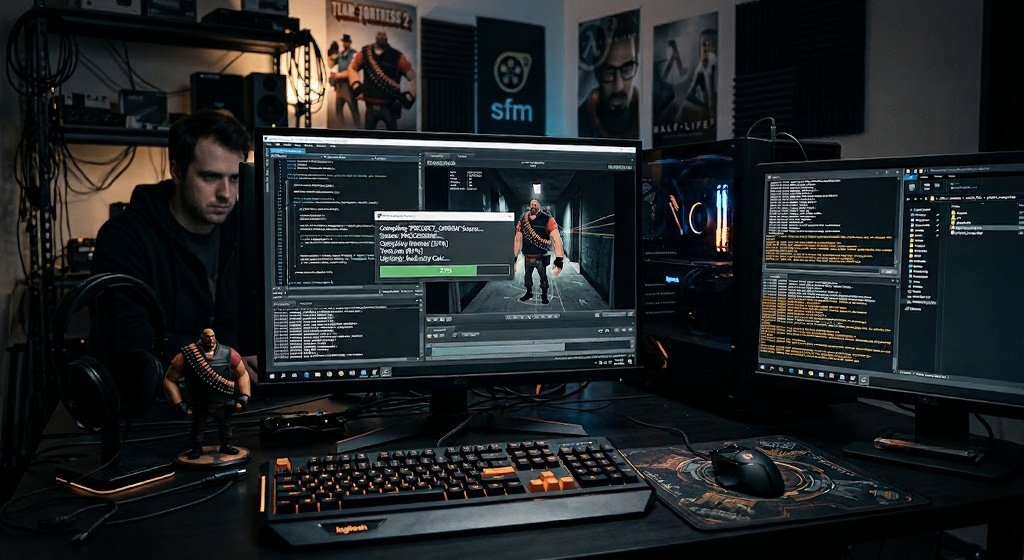
Creating content in Source Filmmaker (SFM) is exciting, but the final stage can confuse many beginners. When users search for sfm compile, they are usually looking for information about preparing, processing, or exporting their SFM projects correctly.
Compilation is an important part of the SFM workflow because it converts your created scenes, models, animations, and assets into a usable final format. Whether you are making short animations, game-related videos, or cinematic projects, understanding how compilation works can save time and prevent common errors.
Unlike simple video editing, SFM involves 3D models, lighting systems, particles, animations, and rendering settings. A proper compile process helps ensure that your final output looks polished and performs correctly.
This guide explains what SFM compilation means, how it works, common problems, useful tips, and answers to frequently asked questions.
What Is SFM Compile?
SFM compile refers to the process of preparing and converting assets, animations, or project files within Source Filmmaker so they can be used properly in the program or exported as a finished video.
The term can refer to different processes depending on the situation:
- Compiling custom 3D models for use in SFM
- Preparing textures and materials
- Processing animation data
- Rendering final video output
- Converting project elements into compatible formats
Source Filmmaker is based on Valve’s Source engine, which uses specific file structures and formats. Because of this, many custom assets need to be compiled before they work correctly.
How Does SFM Compilation Work?
The compilation process depends on what you are creating. For example, compiling a custom character model is different from rendering an animation.
1. Model Compilation
When creators add custom models to SFM, the original 3D files often need to be converted into Source engine formats.
A typical workflow includes:
- Creating or editing a 3D model
- Adding textures and materials
- Creating a model configuration file
- Running compilation tools
- Testing the model inside SFM
The final result is usually a model that SFM can load and animate.
2. Texture and Material Processing
Textures control how objects appear, including:
- Colors
- Reflections
- Surface details
- Transparency
Incorrect texture settings can cause issues such as:
- Missing colors
- Purple and black checker patterns
- Invisible materials
- Incorrect lighting effects
Proper compilation ensures textures are connected correctly with the model.
3. Animation Compilation
Animations created outside SFM may need conversion before they can be used.
This includes:
- Character movements
- Facial animations
- Custom actions
- Motion data
The goal is to make external animation files compatible with Source engine requirements.
Why Is SFM Compile Important?
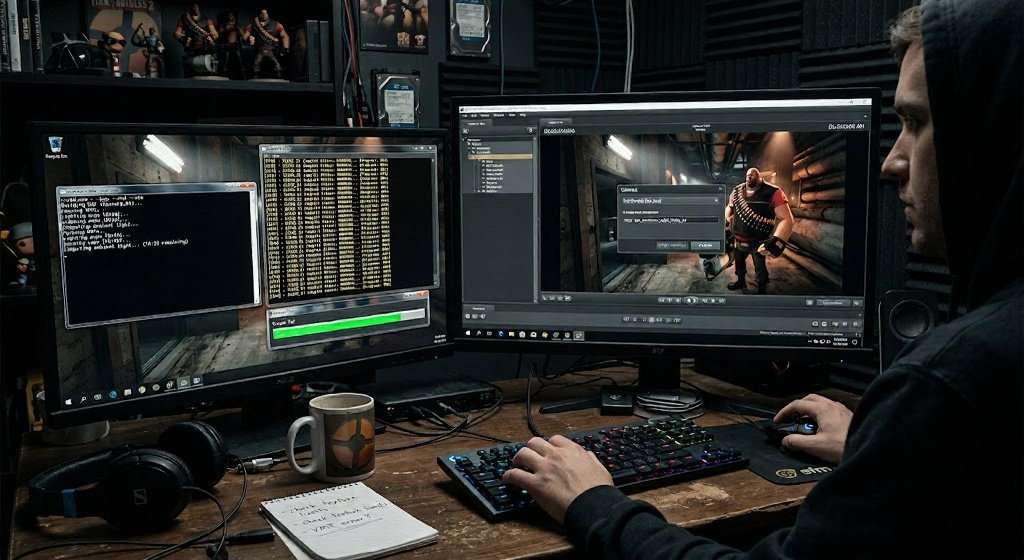
A successful compilation process improves the overall quality and reliability of your project.
| Benefit | Explanation |
|---|---|
| Better Compatibility | Assets work correctly inside SFM |
| Improved Performance | Optimized files load faster |
| Higher Quality Output | Final videos look cleaner |
| Fewer Errors | Reduces missing files and crashes |
| Easier Workflow | Makes future projects simpler |
For creators who regularly produce animations, learning compilation basics can significantly improve productivity.
Common SFM Compile Problems and Solutions
Many beginners face problems during compilation. Understanding common errors makes troubleshooting easier.
Missing Models or Textures
Problem:
Your character appears invisible or textures are missing.
Possible Causes:
- Incorrect file paths
- Missing materials
- Wrong folder structure
Solution:
Check that all required files are placed in the correct SFM directories and verify material references.
Compilation Errors
Problem:
The compile process stops with an error message.
Common Reasons:
- Incorrect model settings
- Invalid file names
- Broken configuration files
- Unsupported formats
Solution:
Review the compile log carefully. Error messages often indicate which file or setting needs correction.
Poor Rendering Quality
Problem:
The final animation looks blurry or low quality.
Possible Fixes:
- Increase rendering settings
- Adjust lighting
- Improve camera settings
- Use better textures
- Render at a higher resolution
Tools Commonly Used for SFM Compilation
Several tools are commonly used by Source Filmmaker creators.
Crowbar
Crowbar is a popular utility for working with Source engine models. It helps users compile and decompile models and manage related files.
Blender
Many creators use Blender to create and edit 3D models before preparing them for SFM.
VTFEdit
This tool is often used for working with Valve texture formats.
Source SDK Tools
Valve’s development tools provide important utilities for managing Source engine assets.
Best Practices for Successful SFM Compilation
Following good practices can prevent many technical issues.
Keep File Organization Clean
A messy folder structure can create problems.
Recommended approach:
- Use clear folder names
- Keep textures organized
- Avoid duplicate files
- Maintain backups
Test Assets Before Large Projects
Before using a custom model in a full animation:
- Load it in a simple scene
- Check textures
- Test animations
- Verify performance
This prevents bigger problems later.
Maintain Proper File Naming
Avoid unusual characters in file names.
Use:
- Simple names
- Lowercase letters when possible
- Clear descriptions
This improves compatibility with Source engine tools.
SFM Compile vs Render: What Is the Difference?
Many users confuse compilation and rendering, but they are different processes.
| Compilation | Rendering |
|---|---|
| Prepares assets | Creates final video |
| Converts files | Processes images and effects |
| Usually happens before use | Happens after animation is complete |
| Related to models and resources | Related to output quality |
Simply put, compilation makes assets usable, while rendering creates the final animation.
How to Improve Your SFM Workflow
A better workflow helps creators produce higher-quality results faster.
Plan Before Creating
Before opening SFM:
- Decide your animation idea
- Prepare required assets
- Organize files
Use Reliable Assets
Poor-quality models or broken files can slow down production.
Choose assets carefully and test them before creating complex scenes.
Save Versions Regularly
Large SFM projects can become complicated.
Keep multiple project versions to avoid losing important work.
Future of SFM and Asset Compilation
Although newer animation tools continue to grow, Source Filmmaker remains popular among many creators because of its flexibility and community-created resources.
Future improvements in 3D workflows may make asset preparation easier through automation, better conversion tools, and improved compatibility between software platforms.
However, understanding basic compilation concepts remains valuable for anyone working with Source engine-based projects.
ALSO READ: Geekzilla Radio A Smart Guide for Geek Fans
Conclusion
Understanding sfm compile is an essential skill for anyone working with Source Filmmaker and custom content creation. Compilation connects creative work like models, textures, and animations with the technical requirements of the Source engine.
While the process may seem complicated at first, learning the basics, organizing files properly, and using the right tools can make production much smoother.
For beginners and experienced creators alike, mastering compilation techniques leads to better-quality animations, fewer errors, and a more efficient SFM workflow.
FAQs
What does SFM compile mean?
SFM compile refers to preparing and converting Source Filmmaker assets, such as models, textures, or animations, into formats that work correctly inside the Source engine environment.
Do I need to compile every SFM project?
No. You usually compile custom assets, not every project. Standard SFM models and resources are already prepared for use.
Why does my SFM model not appear correctly?
Common causes include missing textures, incorrect file paths, unsupported formats, or incomplete compilation settings.
Can Blender files be directly used in SFM?
No. Blender files usually need to be exported and converted into Source engine-compatible formats before they can work in SFM.
Is SFM compilation difficult for beginners?
The basics are easy to learn, but advanced model and animation compilation requires practice and understanding of Source engine tools.
What tools help with SFM compilation?
Common tools include Blender, Crowbar, VTFEdit, and Source SDK utilities. Each tool helps with different parts of the asset preparation process.
For more updates visit: Tum Bons